Advertisements
Over many forums i’ve seen questions from posters asking how to prepare Data Merge involving facing pages or many pages, and have seen other posters say that it can’t be done.
Put simply, NOT TRUE. Data merges can be made with facing pages; pages with 3-across page spreads, etc.
I say this because I use data merge in this fashion to make many documents in my day job.
For a standard garden-variety left and right hand facing page spread, try this:
- Make a new 1 page document and make sure “facing pages” is turned off.
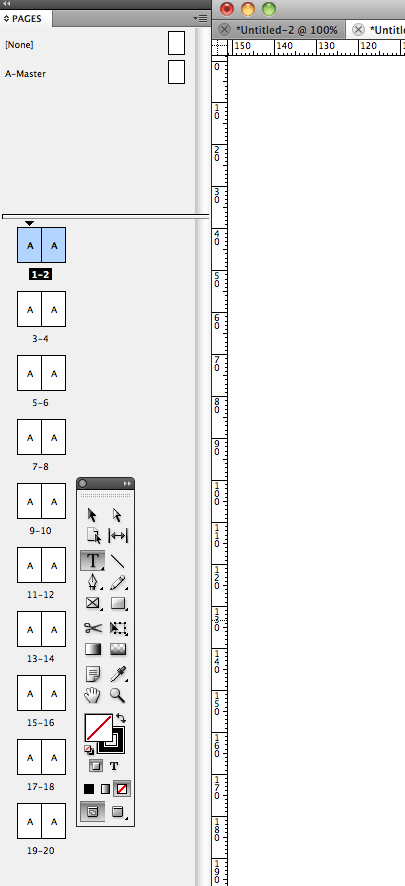
- With the new document, go to the pages palette and add another page by dragging and dropping an A-master as page 2 of the document. at the moment the page will be one on top of the other.
- Still within the pages palette, right (or control) click the page and make sure that “allow document pages to shuffle” is turned OFF (that is, no tick next to it).
- Make the merge as you would like it to appear. When ready to merge, merge as per normal, and the new document will start with a left hand page like so: