


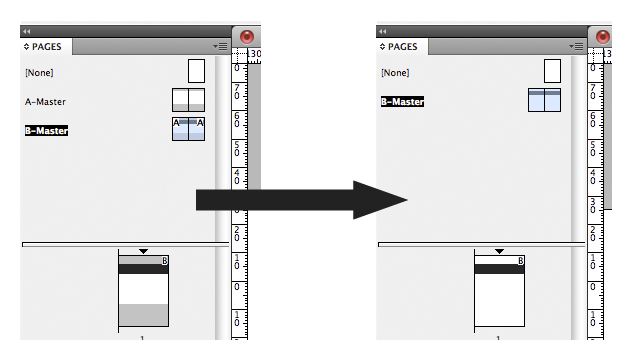
Whether it is cleaning up a file from a client or colleague, or neatly packaging and filing away artwork for a third party or for archiving, a task which can be quite boring and pedestrian is removing unused elements from a file, such as unused paragraph styles, swatches etc.
This can be done manually by selecting the appropriate panel fly-out and choosing “select unused…” or “select all unused…” from the fly-out to determine which elements are not being used. From there, it is simply a matter of choosing “delete…” from the same flyout to remove these elements.
This is all well and good… except that a file can have all kinds of unused elements:
- Styles, such as paragraph, character, cell, table, object;
- Master Pages;
- Swatches;
- Layers;
- Conditional Text;
- XML Tags
not to mention other housekeeping items such as:
- Remove all text boxes which have no fill, stroke, or text in them (effectively an empty box)
- Remove all images or objects (but not text) on the pasteboard
- Change all items in Registration to [Black]
- Change all R0G0B0 to 100% [Black]
- Convert all RGB swatches to CMYK
- Change all “white” to [Paper]
Ideally, a one-click script which could magically whisk away all of these redundant items would be a wonderful idea. It was good to see that I wasn’t totally alone on this quest as this linked post reveals.
And so began the quest. After many hours and days of searching the internet, I had found that there was no script already in existence that did all of the desired fixes. Several scripters out there had solutions to specifics in the list, but not all items. In an attempt to “shake the bushes” to see if there was anything i’d missed or overlooked, I had posted this item on the Adobe InDesign Scripting Forums, but as at the time of writing this, had received no responses.
The Adobe InDesign Scripting Forum is a forum i’ve posted on a few occasions, normally a result of some of the strange and unusual requests made by my supervisor. It is a forum which is happy to help other scripters with script queries, but frowns upon users wanting scripters to give up their time to write customised scripts in their entirety. In this instance, I’d read somewhere that menu items could be scripted but was darned if I knew how to do this, as this would solve many issues.
Regardless, I had seen several scripts in the public domain which could overcome the following issues:
- Unused Swatches
- Remove Unused Paragraph and Character Styles
- RGB to CMYK swatches
- Remove Unused layers
- Remove Unused blank text boxes
I had also found some scripts which originally had side effects but have since been fixed:
- Remove Unused Master Pages – When this article was originally written, the script removed master pages… but also remove master pages which other master pages may be based on. However, three years since the article was published (and on the same forum page) the script has been fixed and works correctly.

- Remove non-visible Layers – Removes layers without visibility active, but doesn’t remove UNUSED layers only (which is what i’m really trying to achieve). However, there is a script which DOES remove unused layers. The link to this script is earlier in this article.
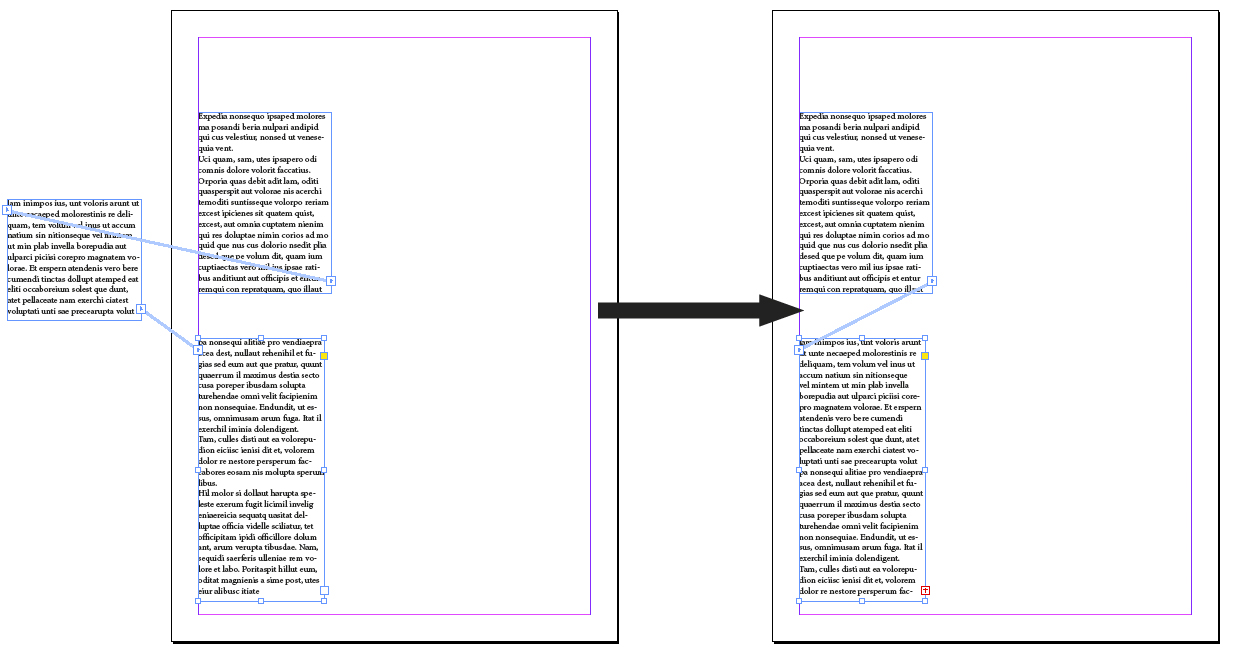
- Cleanup Pasteboard script – (UPDATED 2017-04-23) When this article was originally written, there was an issue with threaded text on the pasteboard. If threaded text was linked to a textbox on the pasteboard, the frame on the pasteboard will be deleted and reflow the stories associated with it in the document. The script has since been improved and now includes a dialog that allows threaded text on the pasteboard to remain. For posterity, here is what happened prior to 2017:
However, the scripter associated with the last link did write an article which did help and if anything, allowed me to add my own contribution, if only one-line long. While the article is about making an InDesign menu from a script, he mentions that tasks which are selectable as menu items are scriptable. Put simply I was able to solve the “add unnamed colors” script with this one-line Javascript:
app.menuActions.item("$ID/Add All Unnamed Colors").invoke();
I did try to build on this by making my own “remove unused layer” script by adding the following line:
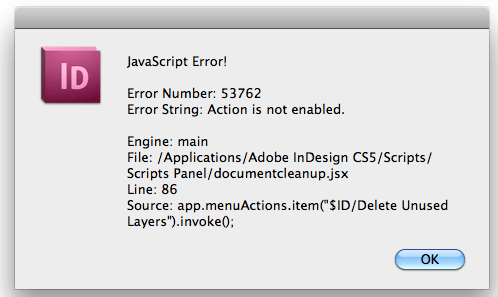
app.menuActions.item("$ID/Delete Unused Layers").invoke();
What I found is that this script worked if there were layers which were unused in the document. However, the script produced an error if there were no unused layers.
What is also frustrating about the “menu scripting” option is actually knowing what $ID string to type in. I have found a partial list but not a complete list. There is a script which adobe ships with its InDesign Javascript tutorials called “Getkeystrings.jsx” which allows a menu name to be typed in and provides what the keystring may be, but sometimes no response appears OR many responses appear which do not have the desired effect.
So at the moment this remains a work in progress.